The drill is sitting on your counter, the mounting bracket is still in its box, and you are staring at a blank living-room wall doing the math on how many holes it will take and what your landlord will say. That hesitation is the moment most renters realize a mounted TV and a security deposit do not always mix.
The good news is that a great renter-friendly TV setup skips the wall entirely. This guide covers stands, credenzas, and no-drill mounts that look intentional, protect your deposit, and take an afternoon instead of a maintenance request.
Why a renter-friendly TV setup skips the wall
Wall mounting a television means lag bolts driven into studs, and that leaves holes far larger than a picture nail. Patching them convincingly is hard, and many leases treat unauthorized mounting as damage rather than normal wear.
A freestanding renter-friendly TV setup sidesteps all of that. You keep the clean look you want, you can move the whole thing in ten minutes on moving day, and there is nothing to repair when you leave.
There is a practical upside too. A no-drill setup lets you rearrange your living room on a whim, chase better light, or hide the TV behind a room divider, none of which is possible once a screen is bolted to one wall.
Option 1: The classic media console
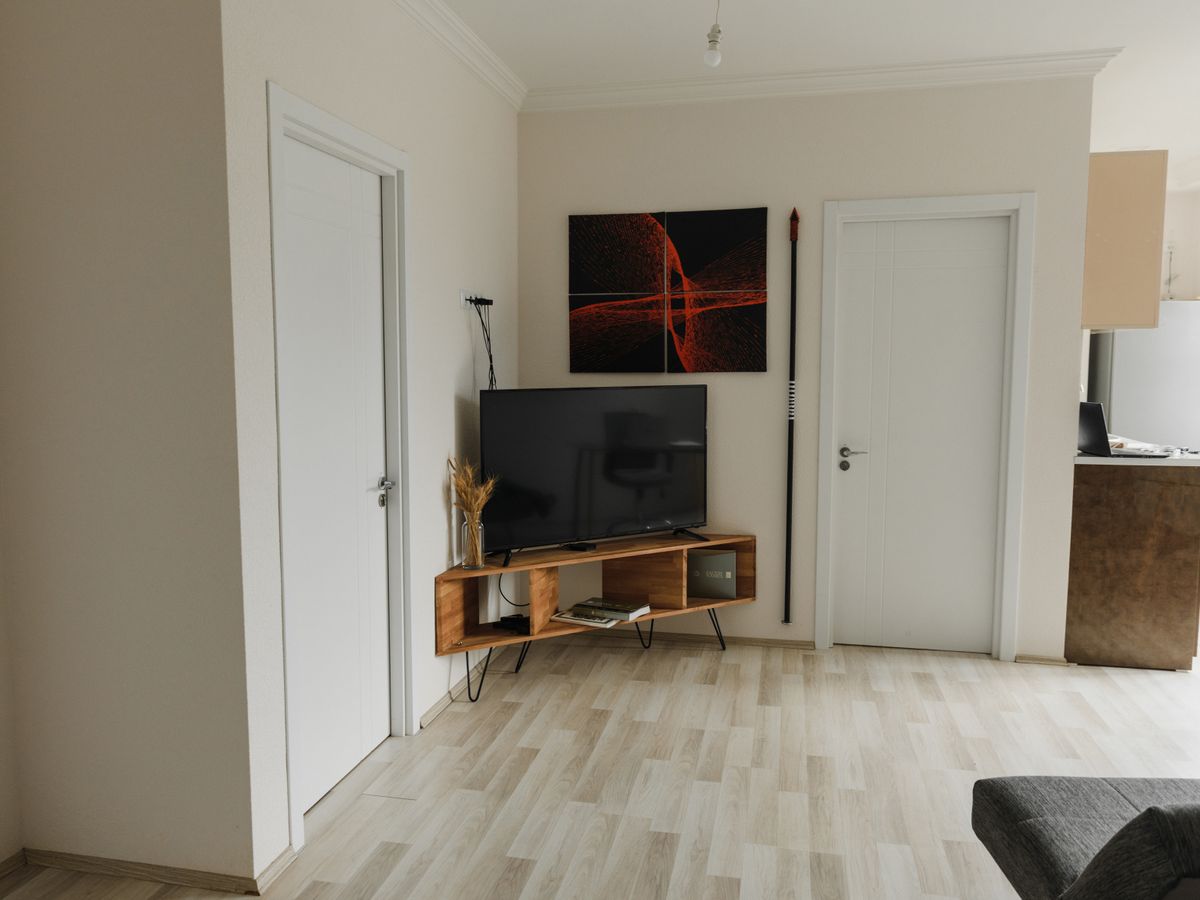
A low media console or credenza is the simplest answer. Sit the TV on top, route cables down the back, and use the cabinet for a soundbar, streaming boxes, and clutter you would rather hide.
Closed cabinet doors are the quiet hero here. They hide the tangle of boxes and blinking lights that make a rental feel cluttered, so the only thing on display is the screen itself.
Budget consoles run roughly $80 to $250, and a solid secondhand one can be far less. Choose a piece at least as wide as your TV so the proportions feel deliberate rather than perched.
Height matters as much as width. Aim for the center of the screen to land near eye level when you are seated, which usually means a console around 24 to 30 inches tall for a standard sofa. Too low and you will crane your neck through every movie.
Make it feel built-in
Style the console like you mean it: a couple of books, a small plant, and a low basket for remotes. The same instinct that helps you install shelves without drilling applies here, keeping the surface balanced and uncluttered.
Option 2: Freestanding TV stands with a mount
If you love the floating look, a freestanding floor stand gives you the mounted aesthetic without touching the wall. The TV clamps to a pole on a weighted base, and many models hide cables inside the column.
Expect to spend $60 to $180 depending on height and whether it swivels. Check the stand’s weight rating and VESA pattern against your TV before buying; a 55-inch set usually needs a base rated well above its actual weight for stability.
Many floor stands include a small shelf for a streaming device or game console, which removes the need for a separate cabinet in a tight room. Look for a swivel head if your seating spreads across the room, so you can angle the screen without moving furniture.
Option 3: Easel and tripod-style stands
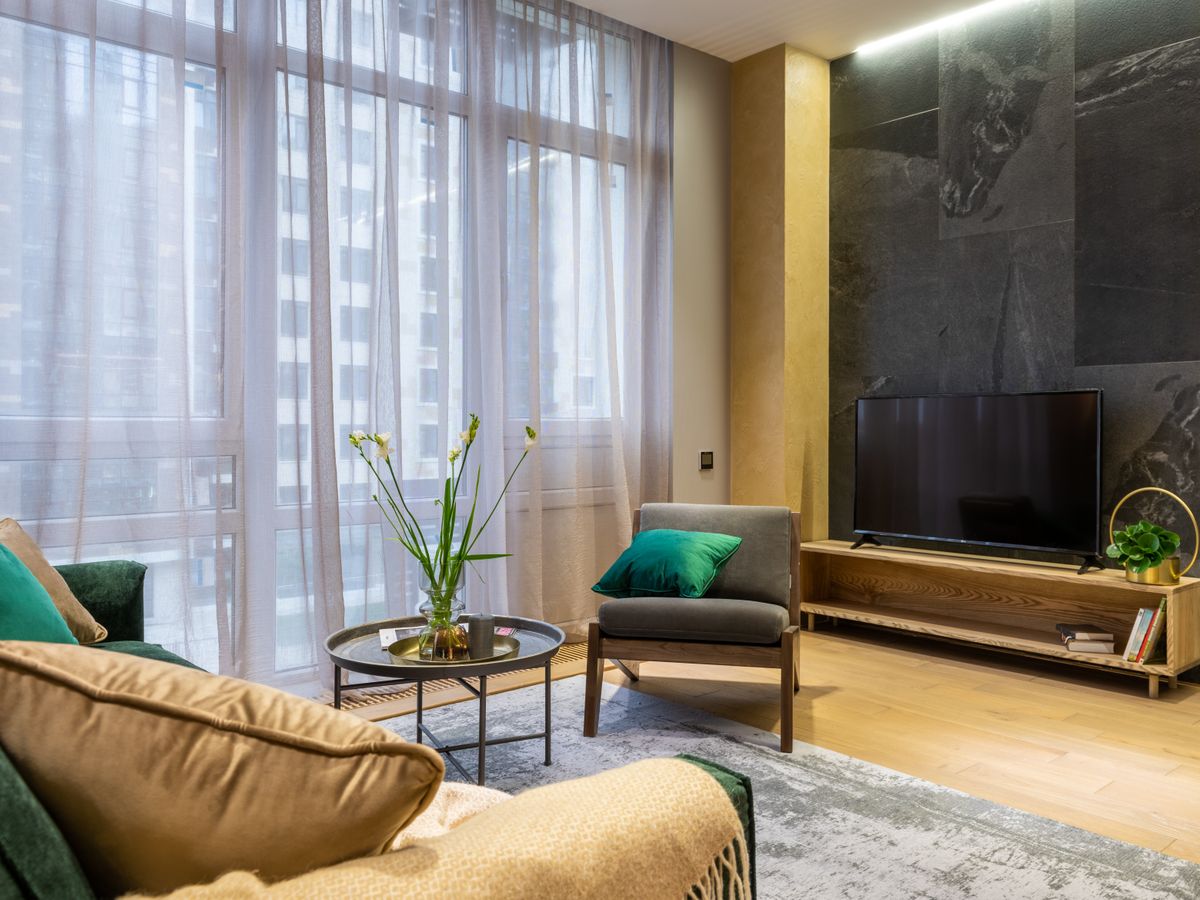
Design-forward easel stands lean the TV at a slight angle on a wide wooden or metal frame. They read as furniture, not electronics, and work beautifully in a bedroom or a studio where a console would crowd the room.
These are pricier, often $150 to $400, but they double as a statement piece. Confirm the weight limit and keep the stand away from walkways so it is not bumped.
Easel stands shine in rentals with limited wall space or awkward layouts, since you can position the screen at an angle in a corner. Pair one with a slim side table for your devices and the look stays clean and gallery-like.
Cable management without holes
The thing that makes any renter-friendly TV setup look sloppy is dangling cords. Fortunately every fix here is reversible and cheap.
- Adhesive cable clips ($6 a pack) guide cords along a console leg; peel them off cleanly later.
- Fabric cable sleeves ($10) bundle multiple wires into one tidy tube.
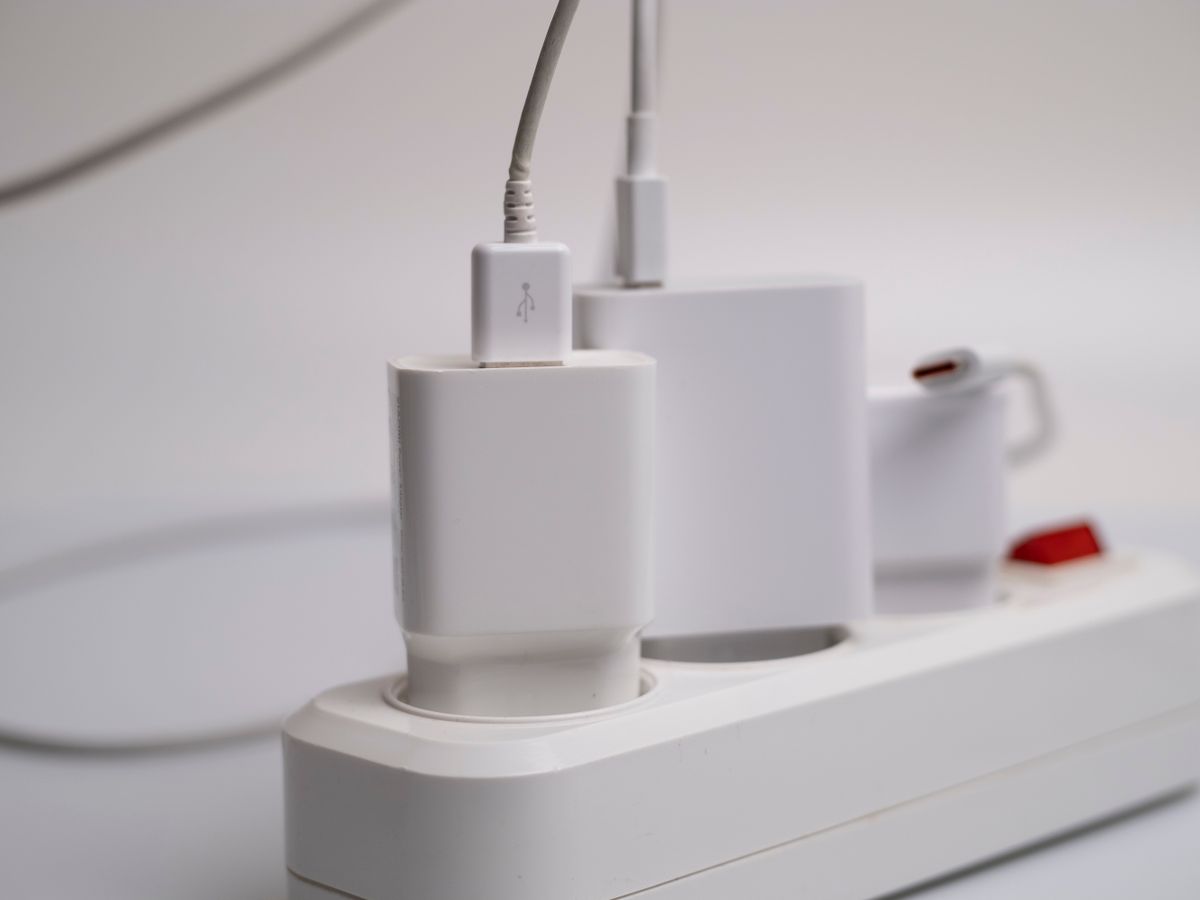
- A power strip with surge protection ($15 to $30) tucks inside the cabinet so only one cord reaches the outlet.
- Velcro ties ($5) keep slack coiled behind the stand instead of pooling on the floor.
If you want to conceal the run to the outlet, a paintable adhesive cord channel hides it along the baseboard and pulls off without residue when handled gently.
Test any adhesive product on a hidden spot first, and remove it slowly with a hair dryer warming the strip if it resists. Rushing the removal is what lifts paint, and that is the difference between a clean move-out and a deduction.
Safety, kids, and pets
Freestanding does not mean tip-proof. Tip-over accidents are a real hazard, especially with children and pets, so treat stability as non-negotiable rather than optional.
Anti-tip straps that anchor to the furniture (not the wall) add a layer of safety, and a wide, heavy base beats a narrow one every time. For guidance on stability standards, the U.S. Consumer Product Safety Commission publishes anti-tip recommendations worth a two-minute read before you buy.
Do not forget the sound
Freestanding setups make audio easy too. A soundbar sits right in front of the TV on the same console, and a compact model runs about $80 to $150. No wall channel, no bracket, just one more cable to tuck away.
If you use separate speakers, keep them on the same surface or on small stands rather than mounting them. It keeps the whole system portable and avoids extra holes you would have to answer for later.
A quick sizing rule of thumb
For viewing distance, a rough guide is to sit about 1.5 to 2.5 times the screen diagonal away. A 55-inch TV is comfortable from roughly 7 to 11 feet, which tells you how deep your console or stand placement should sit in the room.
Measuring first saves you from the classic renter mistake of buying a stand that swallows a small living room. Tape out the footprint on the floor before you order anything.
Choosing what fits your space and lease
Match the solution to your room: a console for a family living room, a floor stand for a minimalist look, an easel for a small bedroom. Measure the wall length and the TV width first so nothing feels oversized.
Setting up a first place from scratch? Our list of first apartment essentials can help you prioritize the TV setup against everything else competing for your budget. And if you eventually want art around the TV, learn to hang pictures without drilling so the whole wall stays deposit-safe.
One caution on the lease: some agreements specifically address mounting and even the use of adhesive strips, and rules vary by state, city, and landlord. Check your lease language and local tenant resources before assuming any change is allowed.
Whichever route you choose, buy the stand and the cable accessories together so you are not left with a bare setup for a week. A finished look on day one is what keeps a temporary solution from feeling temporary.
The bottom line
You do not need a single hole to get a polished, comfortable viewing setup. A freestanding renter-friendly TV setup gives you the look you want, keeps your deposit intact, and packs up in minutes when the next move comes.
Your next step: measure your TV’s width and the wall it will face this week, then pick the console, floor stand, or easel that fits both. Order the cable clips at the same time so setup day is a single, satisfying afternoon.

Luiza Ferraz writes about making rental spaces feel like home. Based in Minneapolis, Minnesota, she shares practical, damage-free upgrades, smart organization hacks, and proven ways to protect your security deposit. Her goal is to help renters create beautiful homes without ever picking up a drill.